
You know that dream where everything in your business just... works? Sales data hits your inventory system instantly. Customer orders flow straight to shipping. No more "let me check that spreadsheet" or "I'll update that manually." This actually happens when you get API integration solutions working with Dell Boomi integration services. I've watched companies go from Excel hell to automated heaven. While others are still copy-pasting between systems, you're processing orders before competitors even open their email. Let me walk you through what really works, what breaks, and how to make this transformation stick.
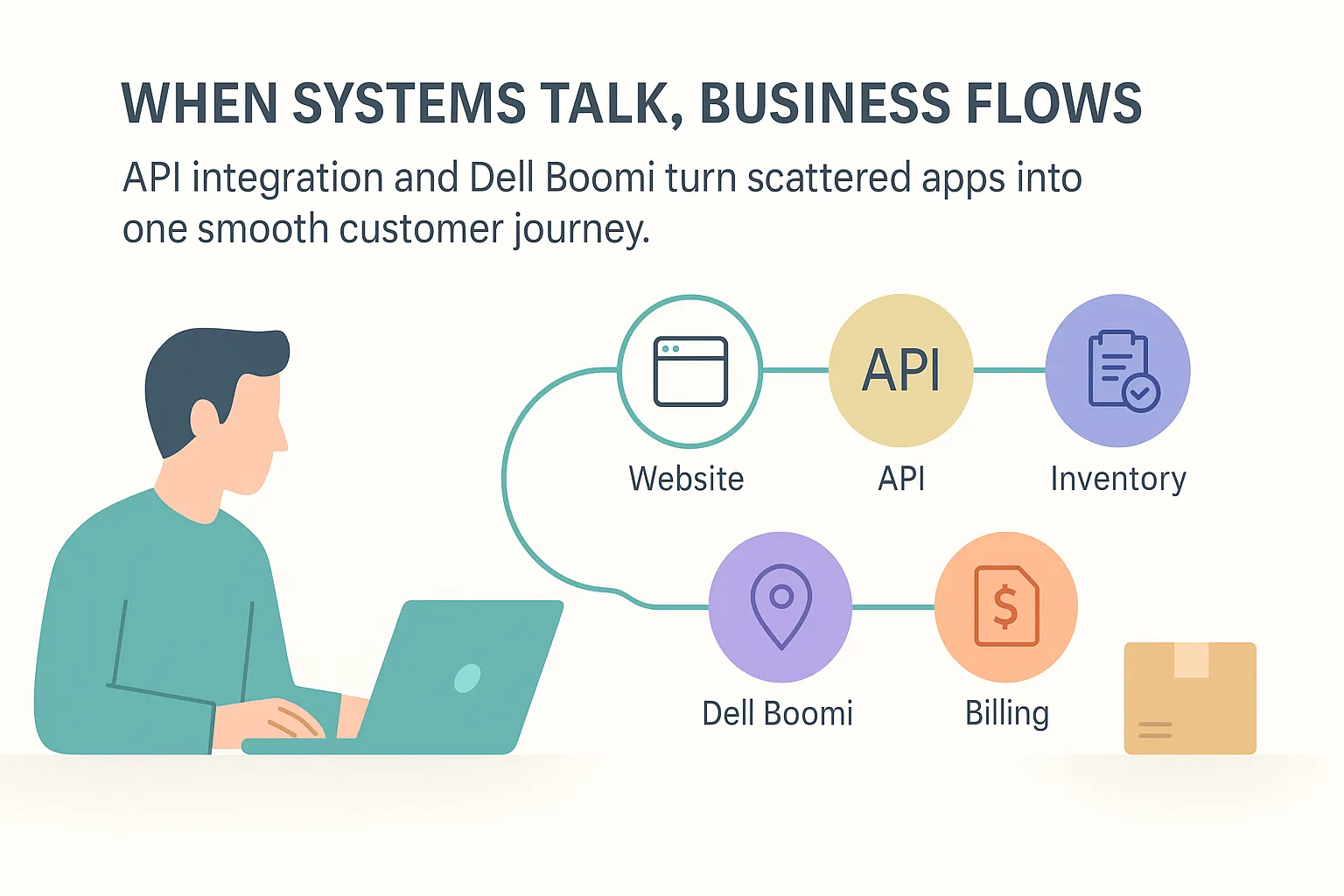
API integration is basically getting your software to chat with each other automatically.
Think of APIs like waiters in a restaurant. You order food (make a request), they run to the kitchen (another system), and bring back your meal (the data). Simple as that.
You've got four types: REST (most popular), SOAP (corporate favorite), GraphQL (super flexible), and Webhooks (instant updates).
Without APIs? I've watched teams waste entire mornings copying customer info from CRM to accounting. One typo ruins an invoice. With APIs?
Click once, and everything syncs. Game changer.
Dell Boomi blew my mind when I first used it. No coding. None.
Picture this: instead of begging developers for help, you literally drag and drop to connect systems. Boomi comes loaded with 200+ connectors for all the big names—Salesforce, SAP, QuickBooks, you name it.
What's different about Boomi?
Old ETL tools just move data overnight. Boomi does everything:
The speed kills me (in a good way). I've seen companies launch integrations 75% faster than traditional coding. MuleSoft is powerful, but it needs serious tech skills. Boomi? Your business analyst learns it in a week.
Cloud-based, scales itself, updates automatically. Big enterprises trust it for critical stuff. Basically, Boomi turns integration nightmares into something manageable—dare I say, enjoyable.
Basic API integration connects two apps. Boomi? It's like having a traffic controller for your entire digital highway.
Three ways to set it up: Point-to-point (simple connections), hub-and-spoke (Boomi in the middle managing everything), or ESB (flexible backbone for complex setups).
The magic happens at scale. Black Friday traffic spike? Boomi handles it. No 2 AM panic calls.
Real example: An online store juggling payment APIs, inventory, shipping, and customers. Instead of coding each connection, they used Boomi's visual tools. When did PayPal change its API? One fix in Boomi, done everywhere. Try that with hardcoded connections—I dare you.
The reality of API management hit home during a recent project. APIs change constantly—it's just part of the landscape. We had a retail client whose entire checkout process depended on multiple third-party APIs. When two vendors pushed updates in the same week, most companies would panic. But Boomi saved the day. We just tweaked a few connections in the visual dashboard—took maybe 30 minutes total. No crisis, no drama. That's what I mean about being ready for anything instead of always putting out fires. This is exactly why AD Infosystem focuses on building flexible integrations for our clients—when things change (and they always do), you bend instead of break.
Let's talk real benefits.
API integration gives instant wins. Real-time data everywhere. No more manual copying. Pick any software you want—it'll work together. Response times drop from minutes to milliseconds.
Boomi amplifies everything. ROI in months, not years. Those pre-built connectors save weeks of coding. Low-code means you're not held hostage by developer availability. Enterprise security keeps data locked down tight.
But here's what matters: business transformation. Customers get the same experience whether they call, email, or walk in. Teams make decisions with today's data, not last week's report. Orders flow smoothly from click to delivery.
I've seen 40% productivity jumps. 35% cost cuts. While competitors fight disconnected systems, you adapt instantly and keep customers happy.
Let's be real—integration has its headaches.
| Problem | Solution | Risk / Outcome |
|---|---|---|
| Old systems | Pre-built adapters | Orders delayed, money lost |
| Too many APIs | Visual management | IT costs explode |
| Security worries | Built-in encryption | Data breach nightmare |
| Can’t scale | Cloud architecture | Crash when you succeed |
| No tech skills | Low-code platform | Projects stall forever |
"Is API integration hard?" People ask me this constantly. Old way? Absolutely. With Boomi? It's like switching from assembly code to PowerPoint.
Security's huge—and it should be. One breach can sink your business. Boomi bakes in encryption, access controls, and compliance certifications right out of the box. Your data's safe whether it's moving between systems or sitting still. No need to become a security expert overnight or hire expensive consultants just to keep hackers out.
After years of doing this, here's what works:
Design for integration from day one. Document everything (your future self will thank you). Use proper authentication. Monitor constantly—catch problems early.
With Boomi? Use those pre-built connectors—they're battle-tested. Map data flows visually first. Test like crazy in staging. Build for tomorrow's volume, not today's.
What NOT to do:
Roll out in phases. Quick wins first, complex stuff later. Train everyone. Measure business impact, not just uptime. Keep improving.
Listen, I know it's tempting to rush. Everyone wants everything connected yesterday. But trust me on this—taking time upfront saves disasters later. I once watched a company try to integrate 12 systems at once. Total chaos. Start small, prove it works, then expand. Your stress levels (and your team) will thank you.
Real stories beat theory.
Manufacturing client: Connected Salesforce to ancient ERP through Boomi. Order processing: 6 hours to 20 minutes. The sales team almost cried.
E-commerce company: Linked 15 locations with real-time inventory. No more selling stuff they didn't have. Complaints dropped 30%.
Healthcare provider: Integrated records, billing, and appointments. Stayed compliant, patients are finally happy.
Time to move.
Map your current systems. Find the biggest pain points. Pick something important but not critical for round one.
Basic API works enough? Or need Boomi's full power? (Hint: if you're asking, you need Boomi.)
Complex setup? Tight deadline? Get help. Good guidance saves months of mistakes.
Your turn: List systems. Pick battles. Choose tools. Start connecting. One integration at a time, transform that chaos into smooth operations. Trust me—been there, done it, worth every minute.