
In the time it takes you to read this sentence, your competitor just processed an order, updated inventory, triggered a restock, and sent a shipping notification. Meanwhile, your systems are still figuring out what happened this morning. That's the real cost of delayed data sync.
Modern business runs at the speed of now. When your Salesforce takes hours to hear from SAP, or your AWS and Microsoft Azure systems sync on a "whenever we get to it" basis, you're not just slow—you're irrelevant. Boomi integration services fix this by making all your systems operate in actual real-time, not business real-time."
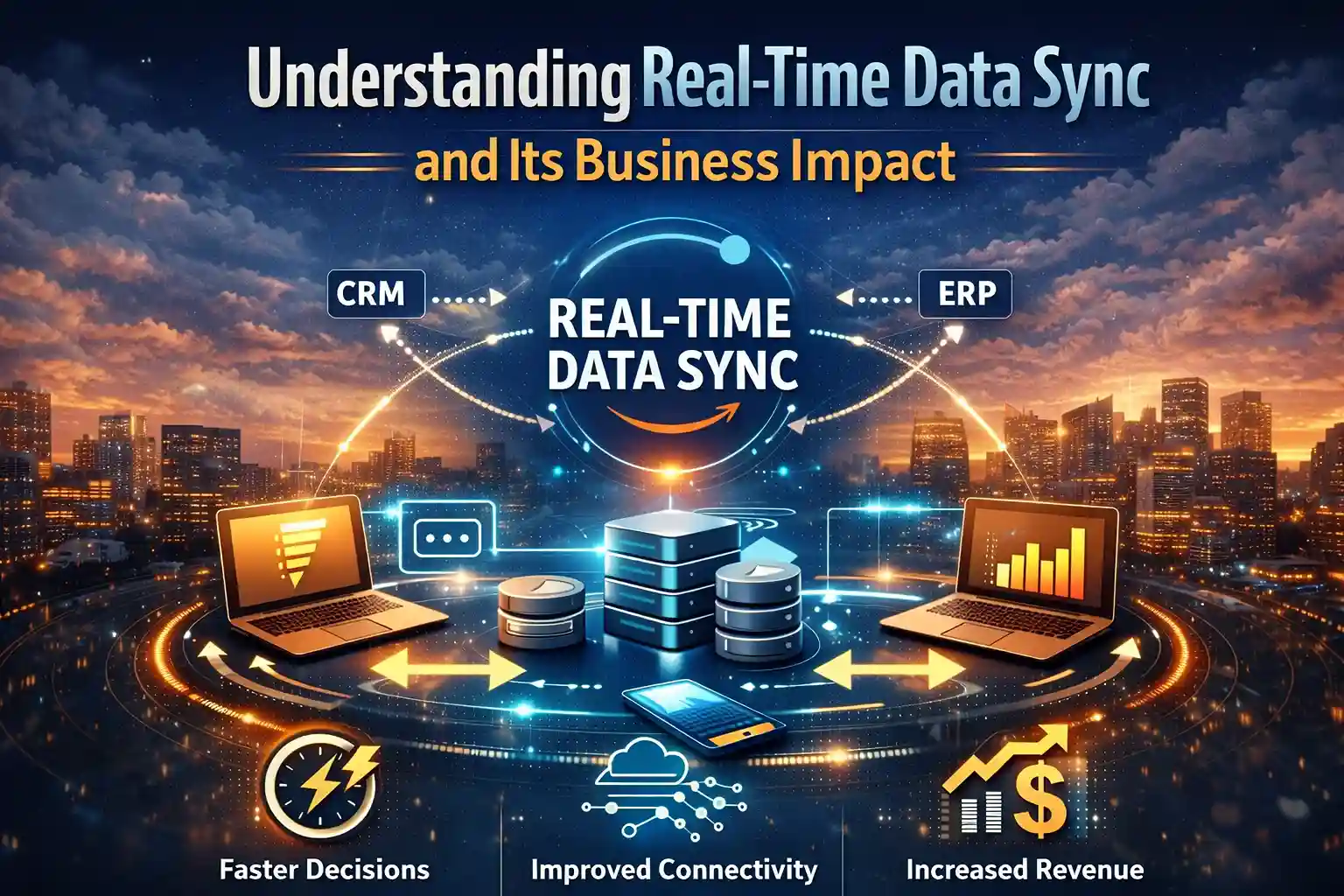
Real-time data sync means your information updates everywhere, instantly. Does the customer change their shipping address in your CRM? Your fulfillment system knows immediately. Inventory drops below threshold? Your sales platform stops taking orders before you oversell. It sounds simple, but achieving this across multiple cloud platforms is anything but.
Most businesses today juggle 5-10 different cloud applications. Marketing uses HubSpot, sales lives in Salesforce, finance swears by NetSuite, and IT just migrated half the infrastructure to AWS. Each system is great on its own, but together? They're speaking different languages, creating data silos that kill operational efficiency.
The cost of delayed data sync is staggering. Studies show companies lose an average of 12% revenue due to poor data integration. That's not even counting the hidden costs: duplicate work, decision delays, compliance risks, and employee frustration.
Think of Boomi as a universal translator for your cloud applications. Instead of building point-to-point connections between every system (a nightmare to maintain), it creates a central hub that lets all your applications communicate seamlessly.
Here's what happens under the hood: Dell Boomi uses pre-built connectors for major platforms—Salesforce, SAP, Oracle, Microsoft, AWS, Google Cloud, you name it. These connectors basically speak each platform's language. When something changes in one system—say a customer updates their address—the platform grabs that change instantly, translates it so other systems get it, and boom, everyone's on the same page. No more "wait, which address is correct?" nightmares.
The real workhorse here is Boomi's AtomSphere platform. Think of it as the brain of the operation. It juggles all the messy stuff—converting data formats, catching errors before they cause problems, making sure messages actually get delivered, and ramping up power when you're busy. Best part? No more getting woken up at 3 AM because some batch job crashed.
You bet it can. I worked with this massive manufacturer whose stuff was scattered everywhere—SAP on Microsoft Azure, Salesforce on AWS, and a bunch of custom apps on Google Cloud. They needed all this data to talk to each other without breaking any compliance rules. Nightmare scenario, right?
Wrong. The platform ate it up. You can keep your sensitive stuff locked down on-premises while still using the cloud for everything else. Doesn't matter if your data comes in JSON, XML, those ancient EDI files, or plain CSV—it handles them all. And yes, you can do real-time or batch, whatever makes sense.
I've got a pharmaceutical client syncing patient records across 15 different systems. Some of these are dinosaur databases from the 90s. But it works, and they remain HIPAA-compliant. Try doing that with duct tape and custom code.
Look, I've watched companies blow millions on custom integrations. Six months and a mountain of code later, they've built Frankenstein's monster. Then Salesforce changes something tiny in their API, and the whole thing explodes.
Here's why buying beats building every time:
Speed: You're up and running in days, not months. Your team builds workflows by dragging and dropping, not writing War and Peace in code.
Maintenance: When Salesforce changes its API (and they will), it's not your problem. Your stuff keeps working while everyone else is pulling all-nighters.
Scalability: Black Friday traffic spike? No sweat. The platform scales up automatically. No emergency calls to rewrite everything.
Cost: Yeah, there are licensing fees. But it's still 60% cheaper than maintaining custom code over five years. I've done the math.
Alright, real talk about timelines. Not the BS your vendor promised to get you to sign:
Pro tip from someone who's been burned: Templates are your friend. Salesforce to NetSuite? There's a template. Use it. Don't let your developers convince you they need to build some special snowflake solution. That's how two-week projects become two-month nightmares.
Security kills more projects than any technical issue. I get it—nobody wants to be the next data breach headline. The good news? Modern platforms come locked down tight:
I work with a financial services firm moving millions through their integrations daily. They need PCI compliance, and they get it. Plus, they can hide sensitive data during integration but still use it. Pretty slick.

Time for the numbers that matter to your CFO:
Real example: Distribution company I worked with. They killed 20 hours of weekly Excel gymnastics, cut order-screw-up rates by 85%, and sped up shipping by 2 days. Saved $1.2 million in year one.
But here's the sneaky benefit—agility. When the CEO wants to add a new system, you say "give us two weeks" instead of "maybe next quarter." That's worth its weight in gold.
Let me save you months of vendor demos with some straight talk:
MuleSoft: Great if you're on Facebook or have Facebook's budget. For everyone else? It's like buying a Ferrari to drive to the grocery store. Sure, it's powerful. But you'll need a team of specialists just to keep it running, and implementation takes forever because it's so damn complex.
Zapier/Make: Perfect for connecting your email to your calendar. Trying to sync enterprise systems? That's like bringing a butter knife to a sword fight. These tools will tap out the moment things get complex.
AWS/Azure native stuff: Living entirely in one cloud? Cool, these work. Got systems scattered everywhere, like most companies? Good luck. Plus, you'll still end up writing mountains of custom code. Defeats the whole purpose.
Building it yourself: I've seen this movie before. It starts with "we can build this cheaper" and ends with developers crying into their keyboards at 2 AM. Unless you're in the integration business, don't do this to yourself.
Let me tell you what we've actually built (not theoretical BS):
My favorite success story? A healthcare network connecting 12 hospitals' patient records. Dropped duplicate testing by 30%. That's real money saved and real patient care improved.
Picking a partner is like dating—there are lots of bad options out there. Here's how to spot the good ones:
Run away from anyone promising miracles, can't show real clients, or thinks every problem needs their solution. Good partners tell you when their platform isn't the right fit.
Don't overthink this. Here's how to start without betting the farm:
Most folks start with CRM-to-ERP integration. It's painful enough that fixing it gets you instant fans and budget for more.
Listen, I'm not gonna sugarcoat this. If you're still waiting for overnight batch files to sync your data, you're already losing. Your competitors are making decisions on real-time information while you're looking at yesterday's numbers. That's not a recipe for success.
Every hour your systems don't talk to each other is costing you. Lost sales, pissed-off customers, employees doing manual data entry like it's 1995. It's painful to watch and expensive to maintain.
But here's the thing—this is fixable. Modern integration platforms have pre-built connectors for everything, security that would make the NSA jealous, and they get you connected fast. We're talking weeks, not years. No more duct-tape solutions, no more "we'll fix it next quarter" promises.
Time to stop talking about digital transformation and actually do it. Get yourself a decent integration partner and watch your first connection go live in a couple of weeks. Because let's be real—in today's market, if you're not real-time, you're not really competing. You're just hoping nobody notices how far behind you are.