
A decade ago, moving to the cloud was a competitive advantage. Today, it’s the baseline. If your business still treats cloud computing services as something to “explore eventually,” you’re already behind — and the gap is widening.
But here’s what we’ve noticed working with businesses across industries: most companies don’t struggle with the decision to go cloud. They struggle with everything after. Which service model fits? Which provider makes sense? How do you migrate without breaking things?
This guide is built from that experience. Not theory, not vendor brochures — a practical walkthrough of what cloud computing services actually look like when you’re the one making the decisions.
Cloud computing services deliver computing resources — servers, storage, databases, networking, software, and analytics — over the internet. Instead of buying and maintaining physical hardware, businesses rent what they need from a provider and pay based on usage.
The practical version? Cloud computing services let businesses stop worrying about infrastructure and start focusing on what they’re actually good at.
Global spending on cloud services is expected to cross $800 billion in 2026, according to Gartner, and small and mid-sized businesses are adopting at nearly the same rate as enterprises because the economics make sense at every scale.
What’s changed isn’t the technology — it’s the maturity. Cloud is no longer about “can we do this?” It’s about “what’s the smartest way for our situation?”
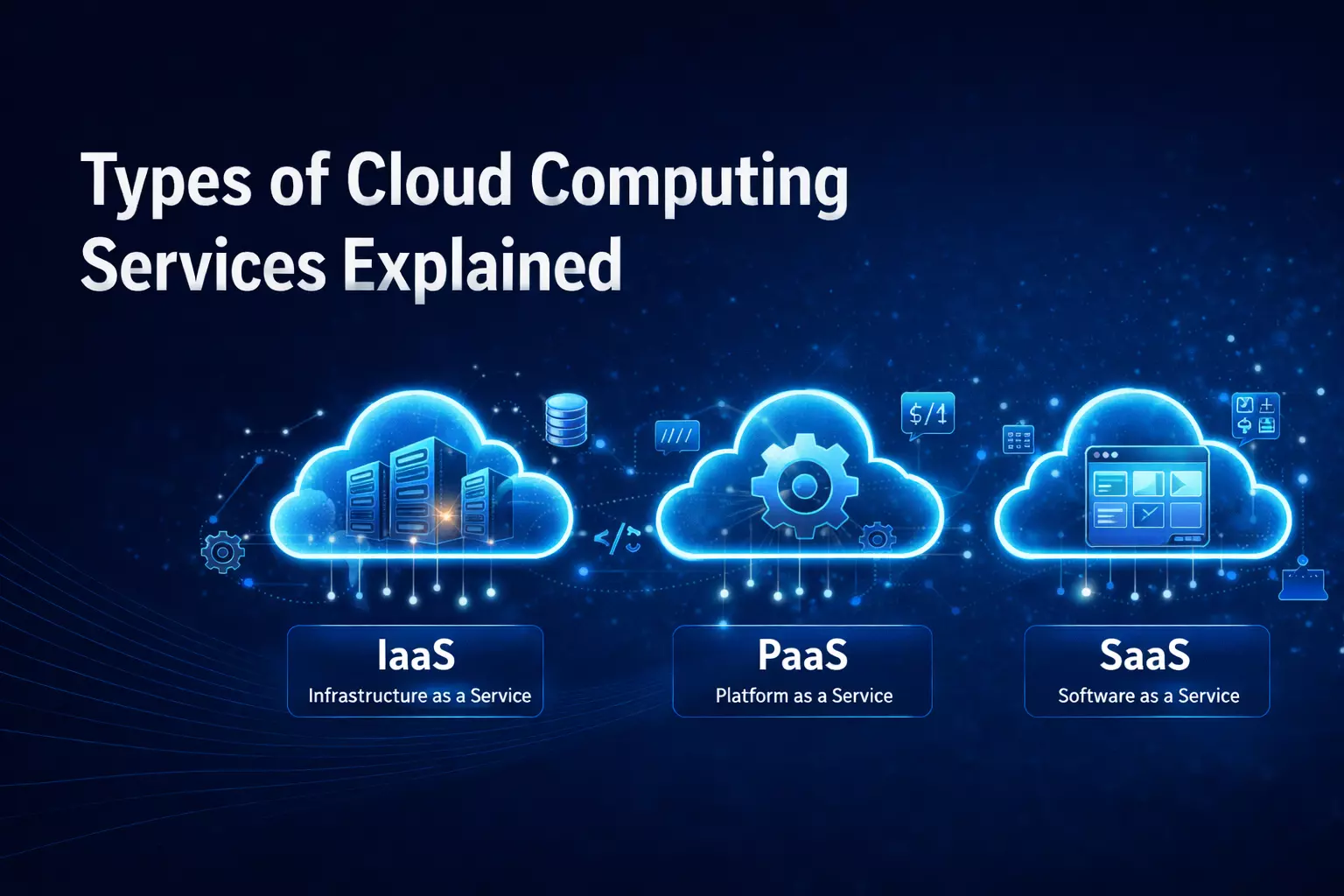
Not all cloud services work the same way, and picking the wrong model is one of the most common early mistakes we see. Here’s how each one works in practice.
IaaS gives you the raw building blocks — virtual machines, storage, and networking. You manage the operating system, applications, and data. The provider handles the physical hardware.
This is the right fit when your team needs full control. Companies running custom applications or legacy software that can’t be easily containerized often land here. Maximum flexibility, but your team needs the skills to manage what’s running on top.
PaaS removes the infrastructure management layer entirely. Developers get a ready-made environment to build, test, and deploy applications without worrying about servers, patches, or scaling.
For teams focused on shipping products faster, PaaS is often the better path. We’ve seen development timelines compress significantly when teams stop splitting attention between coding and server maintenance. Less customization at the infrastructure level — but for most application teams, that’s a tradeoff worth making.
SaaS delivers complete applications over the internet — Salesforce, Google Workspace, Slack. No installation, no maintenance. You log in and use it.
Most business users interact with SaaS daily without thinking of it as “cloud computing.” It’s the simplest model, but customization has limits. When off-the-shelf works, SaaS is unbeatable. When you need something tailored, PaaS or IaaS makes more sense.
FaaS takes things further — you write small functions, and the provider runs them only when triggered. No servers to manage, no idle capacity to pay for.
Excellent for event-driven workloads like processing form submissions, handling webhooks, or scheduled tasks. But it requires a different architectural mindset, and cold-start latency can be an issue for user-facing applications needing instant responses.
| IaaS | PaaS | SaaS | FaaS | |
|---|---|---|---|---|
| You manage | Apps, Data, OS | Apps, Data | Nothing | Code only |
| Provider manages | Hardware Networking | Hardware through Runtime | Everything | Everything + Scaling |
| Best For | Custom Infrastructure | App Development | Business Tools | Event-driven Tasks |
| Flexibility | Highest | Moderate | Lowest | Moderate |
| Team skill needed | High | Medium | Low | Medium High |
At AD Infosystem, we help clients figure out which model actually matches their team’s capacity and goals. It’s common to use SaaS for daily operations, PaaS for development, and IaaS for legacy workloads. The right answer is rarely one-size-fits-all.
How your cloud is deployed matters just as much as which services you choose.
Resources shared across organizations, hosted by providers like AWS, Azure, or Google Cloud. Most cost-effective starting point. For businesses without strict regulatory requirements, the public cloud handles 80-90% of needs.
Dedicated resources for a single organization with greater control over security and compliance. Healthcare companies with patient records, financial institutions handling transaction data — private cloud isn’t optional here. Higher cost, but for regulated industries, there’s no real alternative.
Combines public and private environments. Sensitive workloads stay private; everything else runs on affordable public infrastructure.
This is where most mid-to-large businesses land in 2026. We’ve guided businesses through hybrid setups where compliance demanded private infrastructure for financial data, but public cloud made perfect sense for customer-facing applications.
Using services from more than one provider reduces vendor dependency and lets you pick the best-in-class from each platform.
The complexity is real, though — managing across providers requires strong governance. If you’re weighing multi-cloud versus hybrid, our comparison of Multi-Cloud vs Hybrid Cloud strategies for 2026 breaks it down.
The benefits of cloud computing go well beyond saving money on hardware — though that’s certainly part of it.
From CapEx to OpEx. Cloud shifts IT spending from large upfront hardware investments to predictable operational expenses. You pay for what you use, improving cash flow and reducing financial risk.
Scalability that matches reality. Need more capacity during peak season? Scale up. Quiet period? Scale down. Cloud adjusts to actual demand instead of forcing you to plan for worst-case scenarios a year in advance.
Business continuity is built in. Reputable providers offer redundancy across multiple regions. Your data and applications keep running even if one location has an outage — a level of disaster recovery that was financially out of reach for most businesses with on-premise infrastructure.
Remote work without compromise. Teams work from anywhere with the same access, speed, and security. This isn’t a pandemic workaround anymore — it’s how modern businesses operate.
Faster time to market. No waiting weeks for hardware procurement. Development cycles get shorter, ideas move from concept to production faster, and that speed compounds over time.
This decision has the longest-lasting impact, and it deserves more thought than most companies give it.
AWS offers the broadest range of services and the most mature ecosystem. Azure integrates deeply with Microsoft products — natural for organizations already running Office 365 and Active Directory. Google Cloud excels in data analytics and machine learning workloads.
But the right provider depends on factors beyond feature lists. What can your team actually manage? Where does your data need to reside for compliance? What does your workload look like today versus two years from now?
At AD Infosystem, we evaluate providers against your actual workloads and team capabilities — not vendor marketing. We’ve seen companies pick the “best” platform on paper and struggle because their team wasn’t equipped to operate it. The technically second-best choice your team can run confidently will outperform the “ideal” choice that requires constant external support.
For a deeper look at evaluating providers, our guide on choosing the right cloud provider walks through the exact framework we use with clients.
Migration is where planning meets reality, and the gap between the two is where most problems live.
Lift and shift moves applications with minimal changes — fastest path, but doesn’t leverage cloud-native features. Re-platforming makes targeted optimizations during the move, balancing speed with improvement. Re-architecting rebuilds applications as cloud-native — most time-intensive, but best long-term performance and cost efficiency.
Most businesses use a combination, and the key is assessing each workload before deciding.
What we’ve learned from handling migrations is that the technical move is usually the straightforward part. Complications come from incomplete planning — unmapped dependencies, underestimated data transfer timelines, or skipping the architecture review because everyone’s eager to start. Our migration process always begins with a full assessment for this reason.
Migration also isn’t the finish line. What happens after often determines whether the investment pays off. Our detailed guide on optimizing performance and controlling costs after migration covers this — the first 90 days post-migration are where the biggest savings and biggest mistakes happen.
Cloud security works on a shared responsibility model. The provider secures the infrastructure — physical data centers, networking hardware, hypervisors. You’re responsible for everything on top: data, access controls, application security, and configuration.
This split catches businesses off guard. Moving to the cloud doesn’t automatically make you more secure — it changes where your security responsibilities sit.
The fundamentals matter most: strong identity and access management, encryption at rest and in transit, network segmentation, and continuous monitoring. Zero-trust architecture has moved from buzzword to standard practice for good reason.
Compliance adds another layer. Healthcare needs HIPAA. Financial services face SOC2 and PCI-DSS. EU customer data means GDPR. These requirements shape how you architect everything, not just which provider you choose.
For our healthcare and fintech clients, we build compliance into cloud architecture from day one. Retrofitting compliance after migration is exponentially harder and more expensive — it’s one area where getting it right the first time isn’t just preferred, it’s necessary.
According to Gartner, 80% of companies overspend on cloud by 20-40%, and most of that waste happens after migration.
The usual culprits: overprovisioned resources, forgotten dev environments, idle instances running 24/7, and data transfer fees nobody budgeted for. Individually minor, collectively they add tens of thousands monthly.
Effective cost management starts with visibility. Proper tagging, monitoring dashboards, and regular reviews create the foundation. From there, right-sizing instances, scheduling non-production environments, reserving capacity for predictable workloads, and storage lifecycle policies deliver consistent savings.
Most clients are overspending by 25-35% when they first come to us. The first optimization pass — eliminating waste and right-sizing — typically pays for itself within the first quarter.
Already migrated and suspect costs are too high? Our guide on post-migration cost optimization covers the exact steps.
Cloud adoption looks different by industry, but the driver is the same — doing more with infrastructure that doesn’t hold you back.
Healthcare — secure patient records, telehealth platforms, and medical imaging analysis with compliance-friendly storage across locations.
Financial services — real-time fraud detection, algorithmic trading, and digital banking. Computing power plus geographic redundancy for an industry where milliseconds matter.
Retail and e-commerce — seasonal traffic handling, personalization engines, and multi-channel inventory management without permanent infrastructure investment.
Manufacturing — IoT-connected operations, supply chain visibility, and cloud-based ERP systems replacing legacy platforms.
Education — permanent digital infrastructure for blended learning, student analytics, and administrative operations.
Cloud is evolving in several directions simultaneously, and businesses that prepare now will adapt faster.
Edge computing pushes processing closer to where data is generated — essential for autonomous systems, real-time analytics, and IoT applications that can’t tolerate round-trip latency.
AI-native cloud services make machine learning accessible without dedicated data science teams, embedding capabilities from automated code review to predictive infrastructure scaling.
Sovereign cloud is gaining traction as governments impose stricter data residency requirements, forcing businesses to keep data within specific national boundaries.
Green cloud addresses the environmental impact of data centers, with providers committing to renewable energy and businesses factoring sustainability into provider decisions.
The common thread? Cloud is becoming more distributed, intelligent, and regulated. Companies that build flexibility into their architecture now will adapt smoothly. Those locked into rigid setups face expensive re-architecture later.
We’ve spent years helping businesses navigate cloud computing — not just the initial decision, but everything that follows.
Our approach starts with understanding your business before talking about technology. Your actual workloads, team capabilities, and growth trajectory shape everything from provider selection to migration strategy.
We handle the full spectrum: cloud readiness assessments, architecture design, migration execution, security and compliance configuration, and ongoing optimization. Whether you’re moving to the cloud for the first time or fixing a migration that didn’t go as planned, we’ve been there.
What makes us different is that we stay involved after launch. Cloud environments change constantly — we help businesses stay optimized, secure, and efficient over time, not just on day one.
Evaluating cloud computing services — or re-evaluating what you’re running? Let’s talk. No sales pitch, just a practical assessment of where you are and what makes sense next.
Cloud computing services have moved from competitive advantage to business essential. This guide covers what every decision-maker needs to know — from understanding the four main service models (IaaS, PaaS, SaaS, and FaaS) to choosing between public, private, hybrid, and multi-cloud deployments.
The real challenge isn't deciding whether to move to the cloud. It's making the right choices once you do — picking a provider that fits your team's actual capabilities, planning a migration strategy that doesn't create technical debt, building security and compliance into the architecture from day one, and keeping costs under control after go-live.
Key takeaways: cloud spending is crossing $800 billion in 2026, 80% of companies overspend by 20-40% post-migration, and the businesses that get cloud right aren't the ones with the biggest budgets — they're the ones that match their cloud strategy to their real-world needs. Whether you're evaluating cloud computing services for the first time or optimizing what you're already running, the fundamentals in this guide apply across industries and company sizes.