
'Why is your system always down for maintenance?' The customer's frustration cut through the phone. It was our third maintenance window that month—each one hitting during their business hours like a scheduled hurricane. They had every right to be angry.
What kind of IT maintenance services company schedules downtime during peak hours? they demanded. It was the question that would forever transform AD Infosystem's maintenance approach.
I grabbed my calculator while they vented. Quick math: 200 employees at fifty bucks an hour, down for 4 hours monthly. We're talking $40,000 vanishing into thin air. Every year? Nearly half a million gone. And that's before counting lost sales, pissed-off customers, or our reputation taking a hit.
Maintenance windows had become these self-inflicted wounds. Everyone knew they were coming. Everyone braced for impact. Everyone just... accepted it until that phone call.
But here's the thing—what if you could run maintenance without anyone even noticing? That angry conversation three years back completely flipped our approach. Today? Same customer, zero downtime. Their 200 employees don't even know we exist anymore. And that's precisely how it should be.
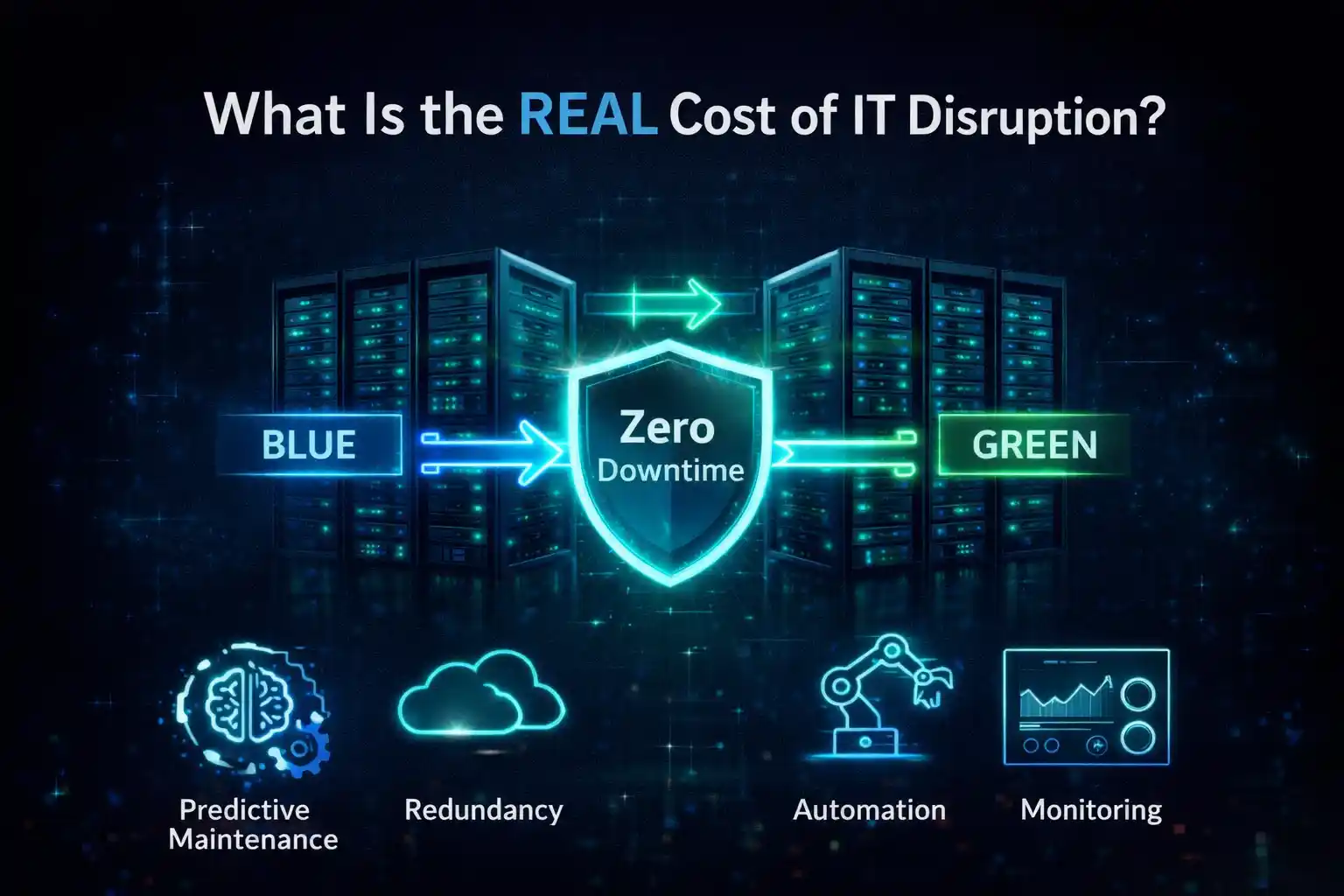
Picture this: Your email server craps out at 2 PM on a Tuesday. Instantly, hundreds of employees become very expensive thumb-twiddlers. The math is brutal—you're bleeding thousands per hour in salaries alone.
But wait, it gets worse. Support tickets stack up like a traffic jam. Sales guys miss calls. Your e-commerce site might as well have a "closed" sign. I watched one retailer lose serious money in abandoned shopping carts during a maintenance window. The aftermath? Teams are working overtime for days to dig out.
The sneaky costs are what really kill you, though. Your IT team, under pressure to finish fast, cuts corners. Those shortcuts create new problems. New problems need emergency fixes. Before you know it, you're playing whack-a-mole with system issues.
Here's what most companies miss—thoughtful planning cuts disruption by 90%. But too many businesses still think downtime is just part of life. News flash: your business runs 24/7 now. Time to act like it.
First rule: know your battlefield. Map every system, every connection, every dependency. Sounds basic? You'd be amazed at how many companies fly blind.
Build yourself a real inventory. When does each system get hammered? Which systems talk to each other? We had this manufacturing client who swore their inventory system peaked during business hours. It actually spiked at 6 AM when the warehouse crew rolled in. That discovery changed everything about their maintenance schedule.
Now, let's talk about the communication disaster most companies create. Picture this: employees show up, try to log in, and systems are dead, nobody told them. Panic spreads faster than gossip. Your help desk gets buried. Productivity goes to hell.
Here's what works: Start telling people two weeks out. Not some IT jargon email nobody reads—honest communication. Week two, you announce. Week one, you remind managers. Three days out, another reminder with specific impacts. The day before, final warning. Day of? Pop-ups, emails, whatever it takes. Tell them exactly what's down, for how long, and what they can do instead.
We helped a law firm cut support calls by 75%. How? They actually told people what was happening. Revolutionary, right?
And please, for the love of all that's holy, don't update everything at once. That's like renovating your entire house while living in it. Start small—test on the stuff nobody will miss. Move to backup systems next. Save the critical stuff for last, after you've worked out the kinks.
Real example: healthcare provider needed to update patient records. Instead of a weekend-long nightmare, they went surgical. Training server first (nobody cared). Backup database during lunch (automatic failover ready). Then, the departments were one by one over two weeks. Zero downtime. System ran 40% faster afterward. That's how you do it.
Timing is everything. Every business has a rhythm—learn yours or suffer the consequences.
Retail goes wild during holidays. Accountants lose their minds at tax time. B2B companies basically sleepwalk through Friday afternoons. These patterns matter more than you think.
Your daily windows? 6-8 AM is golden—early birds are getting coffee, not hammering systems. Lunch can work for quick fixes. After 4 PM, people are mentally checking out anyway. Friday evening? Perfect for bigger jobs, assuming you don't have weekend warriors.
But here's what to avoid like the plague: Monday mornings (everyone's catching up), Tuesday through Thursday peaks (prime productivity time), and anything near month-end (finance will murder you).
Got offices worldwide? Welcome to hell. When New York's sleeping, Tokyo's crushing it. The trick? Follow-the-sun maintenance. Fix each region during its downtime. Or find that magic window—Sunday 2-6 AM Eastern often works. It's Sunday night in the US, Monday morning in Asia hasn't hit full steam, and Europe's still sleeping.
Mark your no-go zones on a calendar. Retail? Block out Black Friday through New Year's. Healthcare? Flu season is sacred. Schools? Don't you dare touch anything during registration. One retailer we work with does all major maintenance in February. Why? It's their deadliest month. Smart.
Create clear IT maintenance windows so every department knows what to expect and when. Trust me, preventive maintenance beats emergency fixes every single time.
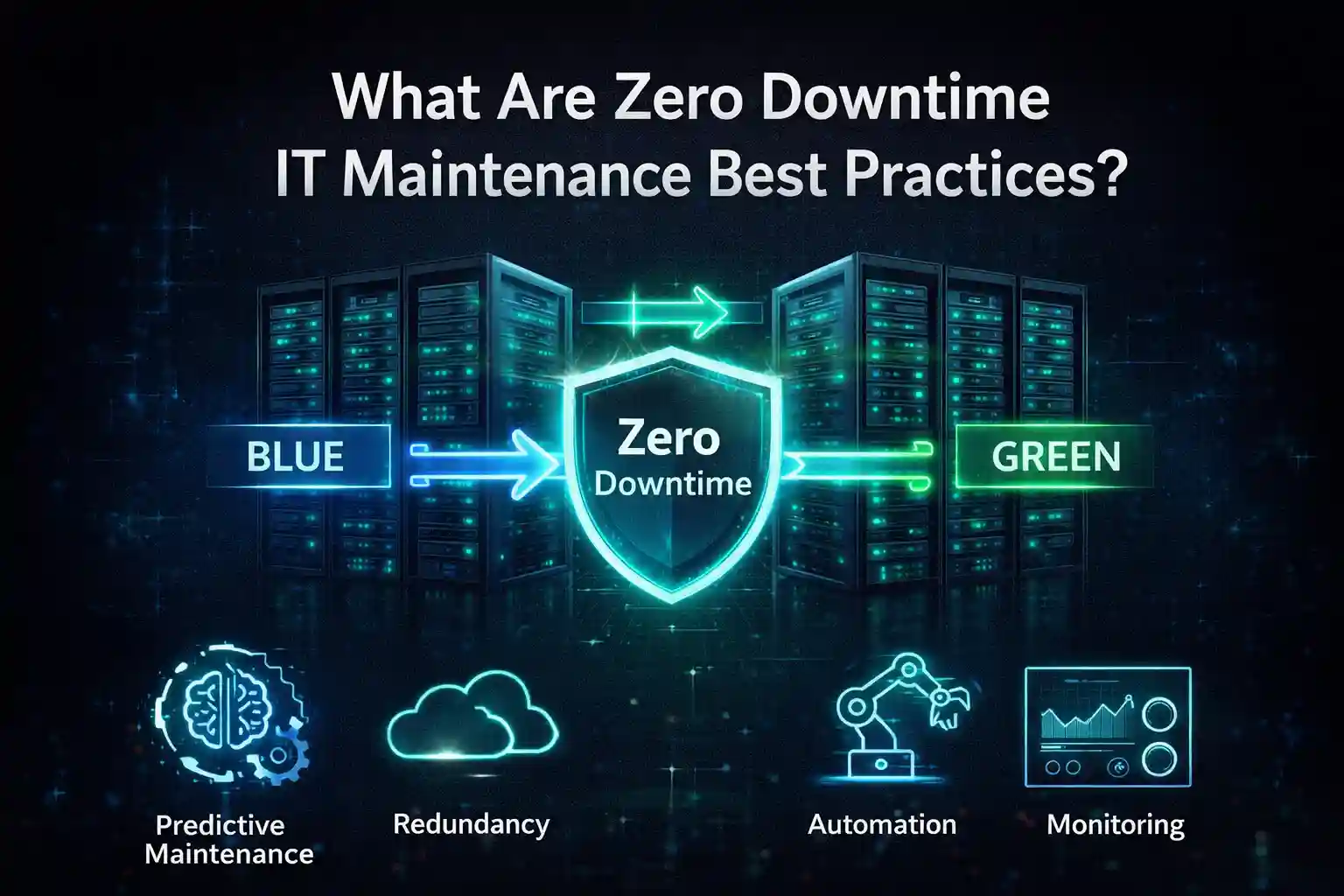
Want real zero downtime? You need redundancy. Not just a backup server gathering dust—actual parallel systems ready to rock.
Active setup means two identical systems sharing the load. Take one down for maintenance, the other handles everything.
Expensive? Yes. Worth it? Ask the financial trading firm that has run 100% uptime for five years straight. They've got everything duplicated across two data centers, with three-second failover, and they sleep like babies.
Can't afford that? Try active-passive. One system works, one waits. Still gives you near-zero downtime without breaking the bank.
Rolling updates are your friend. Instead of taking down 10 servers at once, you take them down one by one. Pull server one from rotation, update it, test it, and put it back into rotation. Rinse and repeat. Users never know that anything happened.
We've got a software company that maintains its entire setup weekly—WEEKLY—with zero downtime. How? Containers. They update container images, deploy new ones, gradually shift traffic, then kill the old ones. What used to be a weekend outage now takes 20 minutes on a Tuesday afternoon.
VMware vMotion is basically magic. Move running virtual machines between physical servers without anyone noticing. Need to replace hardware? Move the VMs, swap the box, move them back. Users keep working while you're literally replacing the floor under them.
Sometimes stuff breaks. Murphy's Law loves IT systems. When disaster strikes during business hours, speed and communication save you
Five-minute assessment, max. Figure out what's broken and who's affected. Then communicate as if your life depended on it. Email, Slack, phone trees, smoke signals—use everything. Tell them you know it's broken and you're on it.
Here's the key: update every 30 minutes, even if it's just "still working on it." Silence creates panic. Panic creates angry executives. Angry executives create resume-updating situations.
Triage like an emergency room. What absolutely must work right now? Fix that first. Everything else can wait. Perfect is the enemy of good enough when systems are down.
Law firm story: the document system died at 10 AM, just as a major filing was due at noon. IT didn't panic. Temporary file shares up in 15 minutes. Read-only access back in 45. Complete the system by lunch. Filing made, client happy, IT heroes. Strong business continuity planning ensures emergency maintenance doesn't turn into a complete business outage.
A good maintenance calendar is like a good battle plan—it wins wars before they start.
Begin with the big picture. What are your company's critical dates? When does business peak? When does it slow down? Get these wrong, and you'll be updating your resume.
Monthly, sit down and look ahead. What's coming up? Big sales push? Financial close? Product launch? Work around these, not through them.
Weekly, double-check everything. Confirm your windows. Send those reminders. Make sure your backups actually work (you'd be surprised).
Define maintenance SLAs, including notice period, allowed downtime, and escalation steps to avoid confusion during business-hour changes. Nobody likes surprises, especially the kind that stop them from working.
Here's the secret sauce: measure everything. How long did maintenance take? How many people were affected? What broke? One tech company we know cut maintenance disruption by 85% just by tracking and improving these numbers. What gets measured gets fixed. IT support services that actually help the business—novel concept, right?
Look, IT maintenance doesn't have to be a pain in everyone's ass. With decent planning, some redundancy, and actual communication, you can update systems without anyone noticing. Build a smart calendar, track what matters, and get better every time. The goal? Make maintenance so smooth that your users forget you exist—in the best possible way.